
Your Claude Code Should Always Be Up to Date. Now It Is.
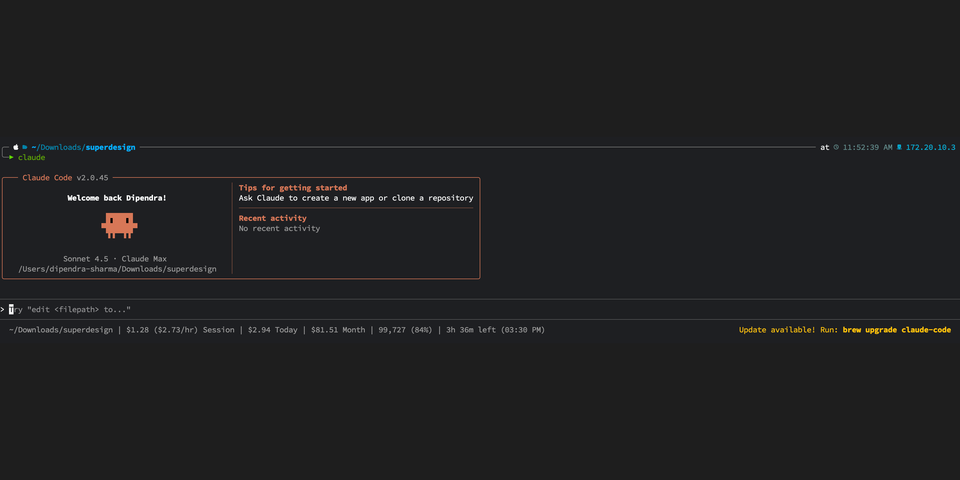
You know the drill. Anthropic drops a new Claude Code release. You run brew upgrade. Nothing happens. You check the homebrew-cask repo. Someone still needs to open a PR. Get it reviewed. Get it merged. Then you wait for the tap to sync.
Hours pass. Sometimes longer.
And the whole time, Claude itself keeps reminding you. Every time you launch it, that little update nag pops up. "A new version is available." Yes, Claude. I know. I ran brew upgrade. Homebrew doesn't know about it yet. There's nothing I can do.
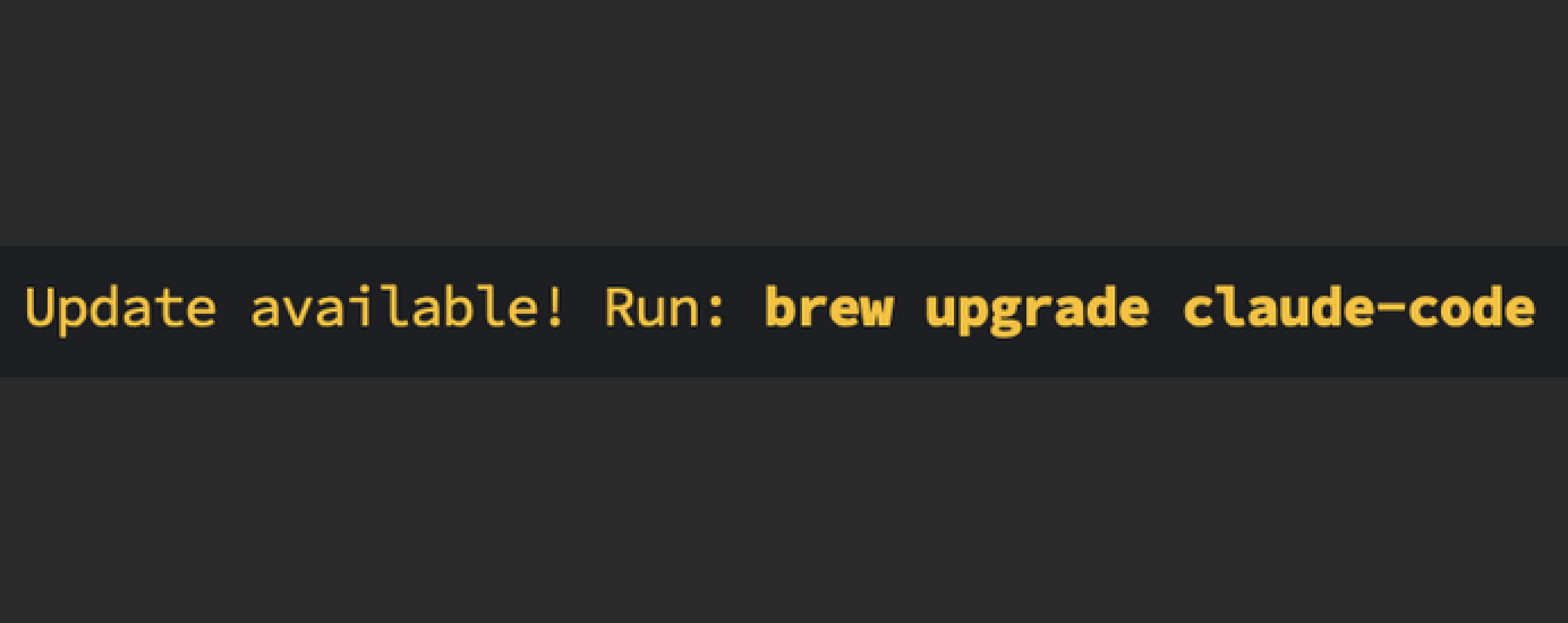
You're running a stale binary while the new one is already sitting on Anthropic's CDN. Claude knows it. You know it. Homebrew doesn't.
I got tired of waiting.
The Problem with Homebrew Casks
Here's the thing about how Homebrew casks work. Every version bump needs a commit. Someone, human or bot, has to:
- Notice that a new release is out
- Update the version string in the cask formula
- Update the SHA256 checksum
- Open a PR to homebrew-cask
- Wait for review and merge
That's five steps between "Anthropic published a release" and "you can install it." Five steps where the bottleneck is a human.
Real talk: the binary is already on a public CDN the moment Anthropic publishes it. The only thing missing is a pointer.
What If the Formula Just Asked Anthropic Directly?
Spoiler: that's exactly what I built.
https://github.com/0xMH/homebrew-claude-latest
One Homebrew tap. One cask file. Zero maintenance.
Instead of hardcoding a version number that someone has to update, the formula resolves the version at install time by hitting Anthropic's own CDN:
gcs = "https://storage.googleapis.com/claude-code-dist-86c565f3-f756-42ad-8dfa-d59b1c096819/claude-code-releases"
resolved = `curl -sf #{gcs}/latest`.strip

version resolved
That's it. When you run brew install or brew upgrade, Homebrew evaluates the cask, the backtick expression fires a curl to Anthropic's GCS bucket, and the /latest endpoint returns the current version string.
No PR. No review. No waiting.
How It Actually Works
When you run brew upgrade, Homebrew evaluates the cask file. The cask fires a curl to Anthropic's GCS bucket and hits the /latest endpoint. That returns the current version string, something like 1.0.25. It then fetches manifest.json for that version to get the SHA-256 checksum for your platform. Homebrew compares the resolved version against whatever you have installed locally. If they're different, it downloads the correct binary for your architecture, verifies the checksum, and symlinks claude into your PATH.
The download URL is architecture-aware:
#{gcs}/#{version}/darwin-arm64/claude    # Apple Silicon
#{gcs}/#{version}/darwin-x64/claude      # Intel Mac
#{gcs}/#{version}/linux-arm64/claude     # Linux ARM
#{gcs}/#{version}/linux-x64/claude       # Linux x64
You get the right binary for your machine. No universal fat binaries, no conditional scripts.
Checksum Verification
An earlier version of this tap used sha256 :no_check since the version is resolved dynamically. That's no longer the case.
The cask now fetches manifest.json alongside each release. That manifest contains SHA-256 checksums for every platform binary. The cask extracts the correct checksum for your OS and architecture, and Homebrew verifies the download against it.
manifest = JSON.parse(`curl -sf #\{gcs\}/#\{resolved\}/manifest.json`)
sha256 manifest["platforms"]["#\{os\}-#\{arch\}"]["checksum"]
Now you get the latest binary the moment it ships, with a verified hash.
Zero Maintenance
Here's what I like most about this approach.
The repo never needs to be updated. There's no GitHub Action polling for new releases. No cron job bumping version strings. No bot opening PRs.
The formula itself is the update mechanism. As long as Anthropic keeps that /latest endpoint and that GCS bucket structure, this tap works forever. One commit. Done.
Using It
If you have claude-code from the official tap, uninstall it first:
brew uninstall --cask claude-code
Then:
brew tap 0xMH/claude-latest
brew install 0xMH/claude-latest/claude-code
From now on, brew upgrade will always pull the latest version the moment Anthropic publishes it.
To fully clean up if you ever want to remove it:
brew uninstall claude-code
brew untap 0xMH/claude-latest
The zap stanza in the formula also handles cleaning up cache dirs, config files, and the ~/.claude directory on a full uninstall.